HOWTO: sign up and add your station
Listing a radio or TV station on AudiRadio.com is free and takes a few minutes: create an account, sign in, and fill in one form.
Before you start
Have these ready:
- the name of your station;
- at least one streaming link (the web address of your live audio or video stream);
- optionally your logo (JPG, PNG, GIF or WebP, 200–1200 pixels on each side, up to 5 MB), website, description, genre and country.
Every new station is reviewed by the AudiRadio team before it appears in the directory.
Step 1 - Create an account
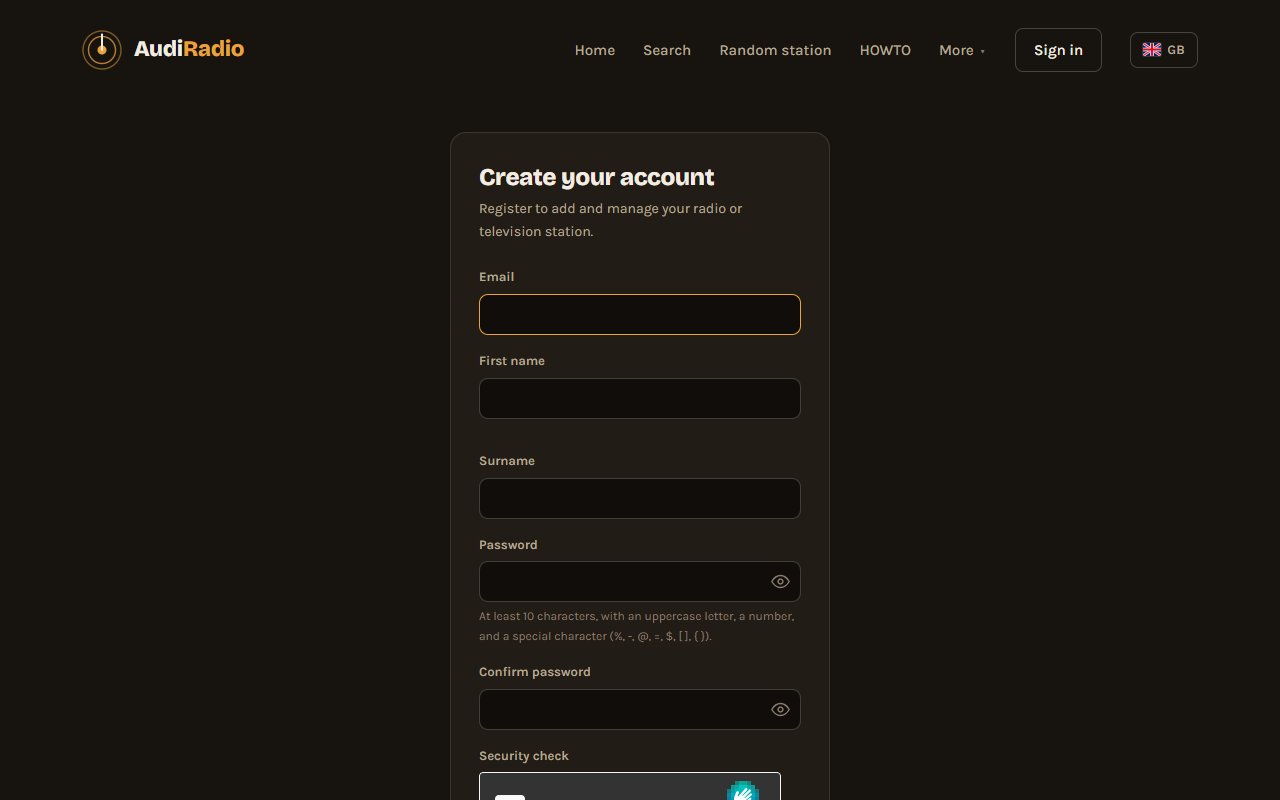
- Click Sign in in the top menu, then Sign up to open the registration form (or go straight to the registration page).
- Enter your first name, last name and email address, choose a password and complete the anti-spam check. The password needs at least 10 characters, with an uppercase letter, a number and a special character.
- Submit the form.
Step 2 - Activate your account
- We email you an activation link, valid for 48 hours. Click it. If you cannot find the email, check your spam folder.
- New accounts are then approved by the AudiRadio team, and you receive an email as soon as your account is live. Until then, signing in shows a “waiting for approval” message.
Step 3 - Sign in
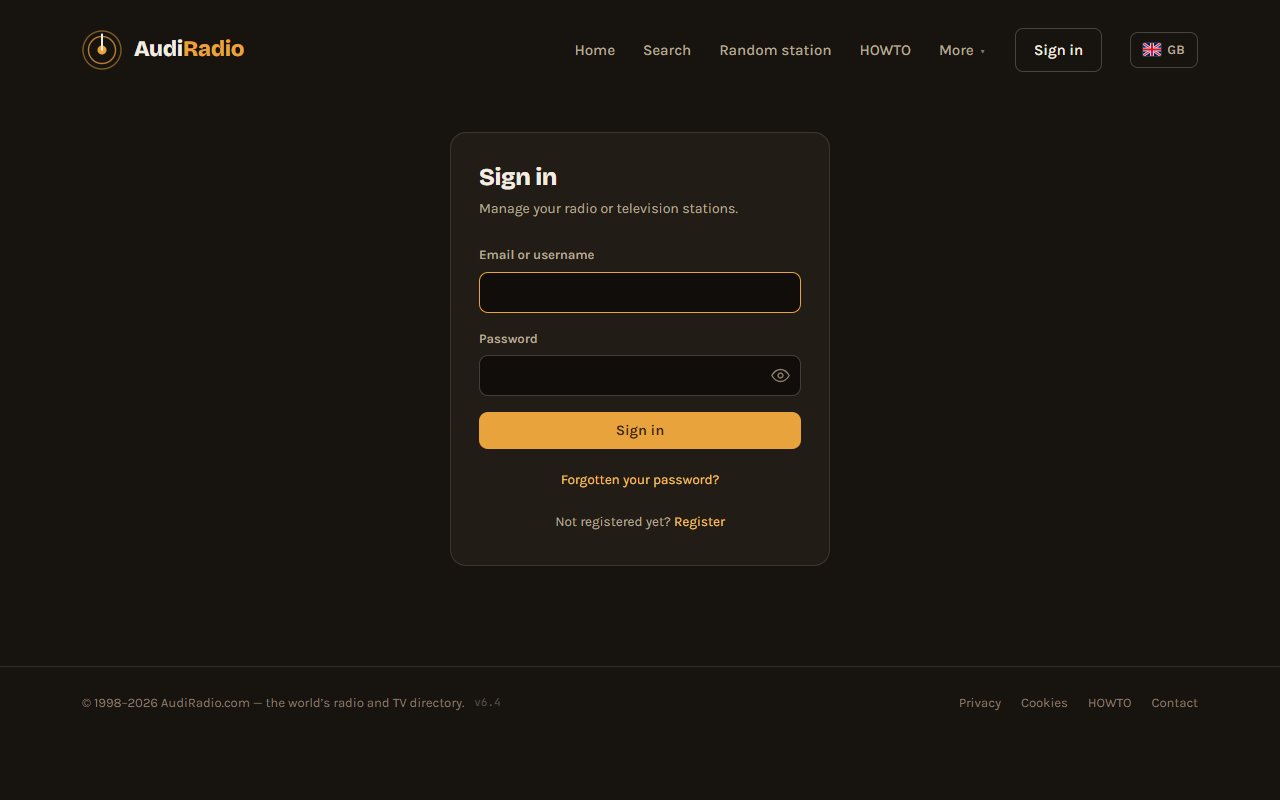
Click Sign in in the top menu and enter your email and password. If you forget your password, use Forgot password on the same page and we will email you a link to choose a new one.
Step 4 - Add your station
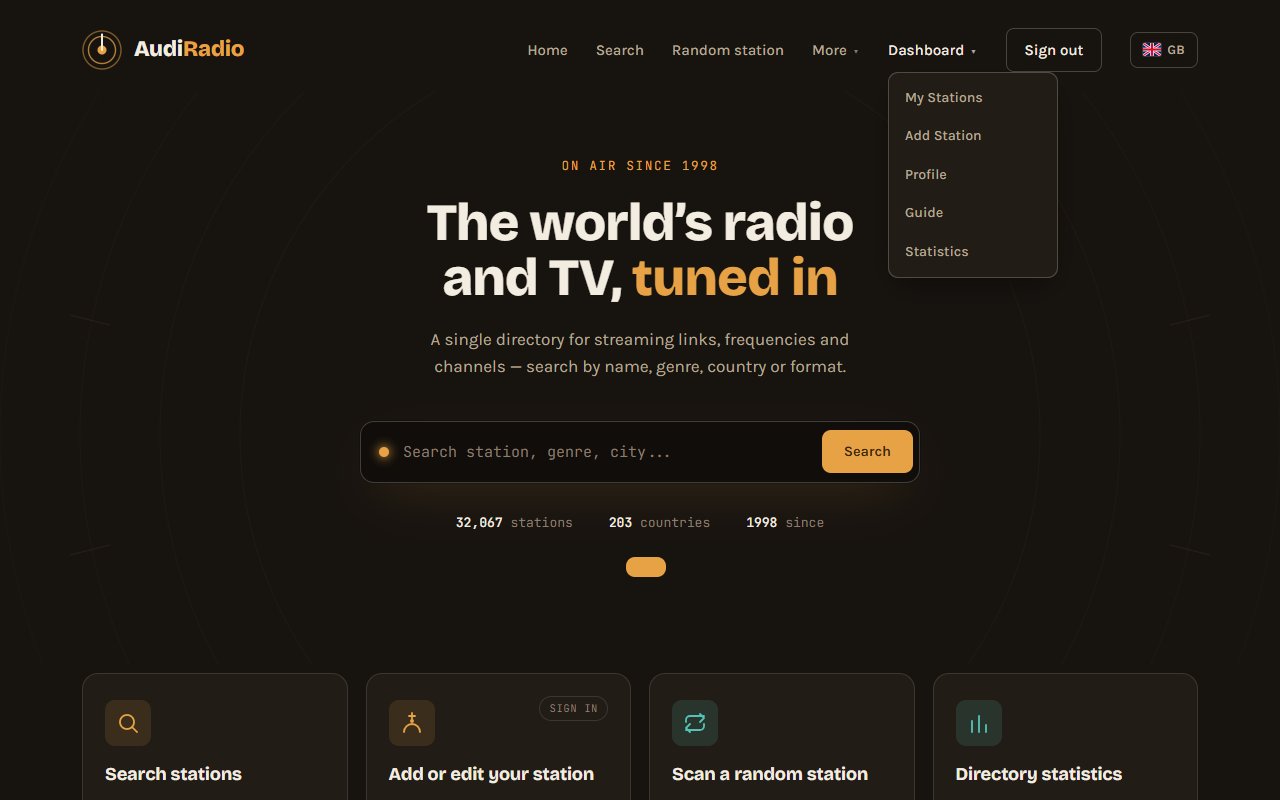
- Once signed in, open the Dashboard menu and choose Add Station (or go to the Add Station page).
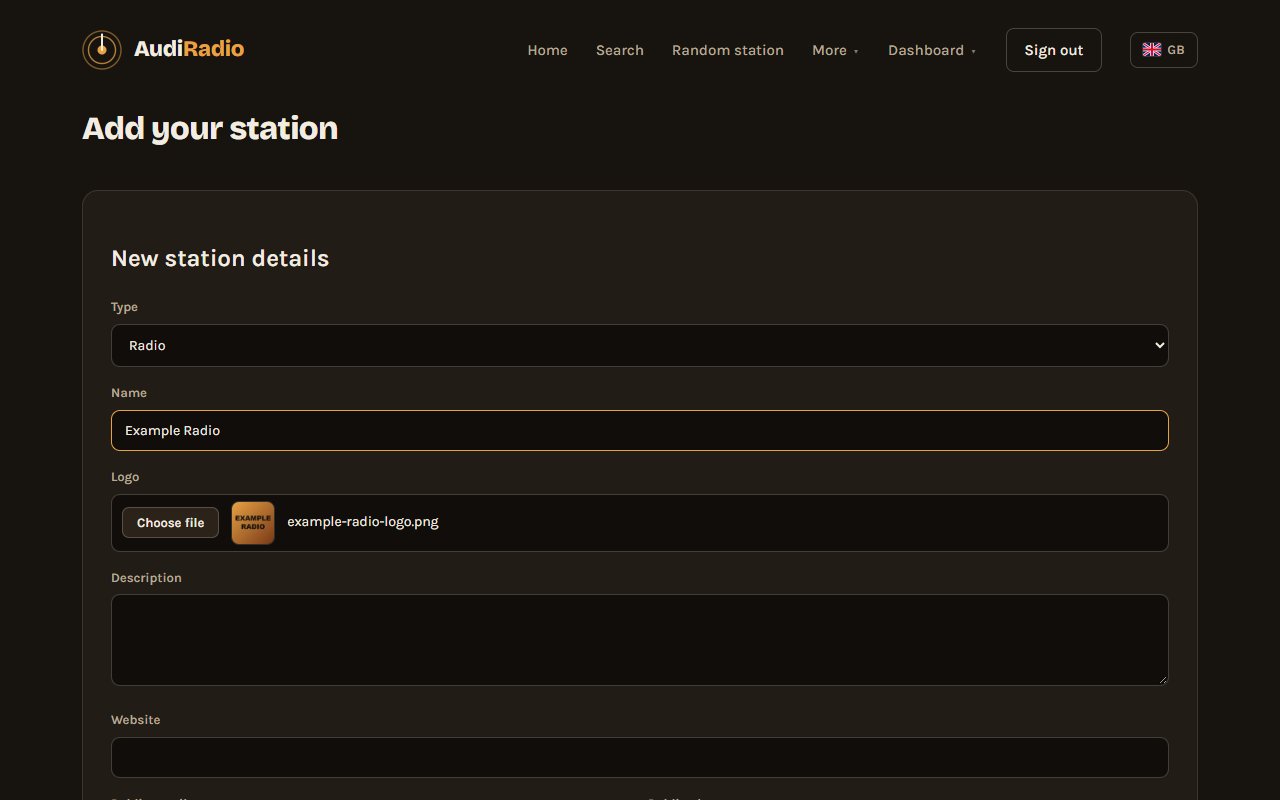
- Fill in the form. Only two things are required:
- the station name – just the name, with normal capitalization (not ALL CAPS) and without links or hashtags;
- at least one streaming link. Use + Add streaming link if you have more than one.
- The more you add, the easier your station is to find: type (radio or TV), format, language, country and city, description, website, public email or phone, tags and frequencies.
- Choose your logo with the file button. It is uploaded when you click Save, and it is kept if the form asks you to correct something.
- Press the save button to send the station.
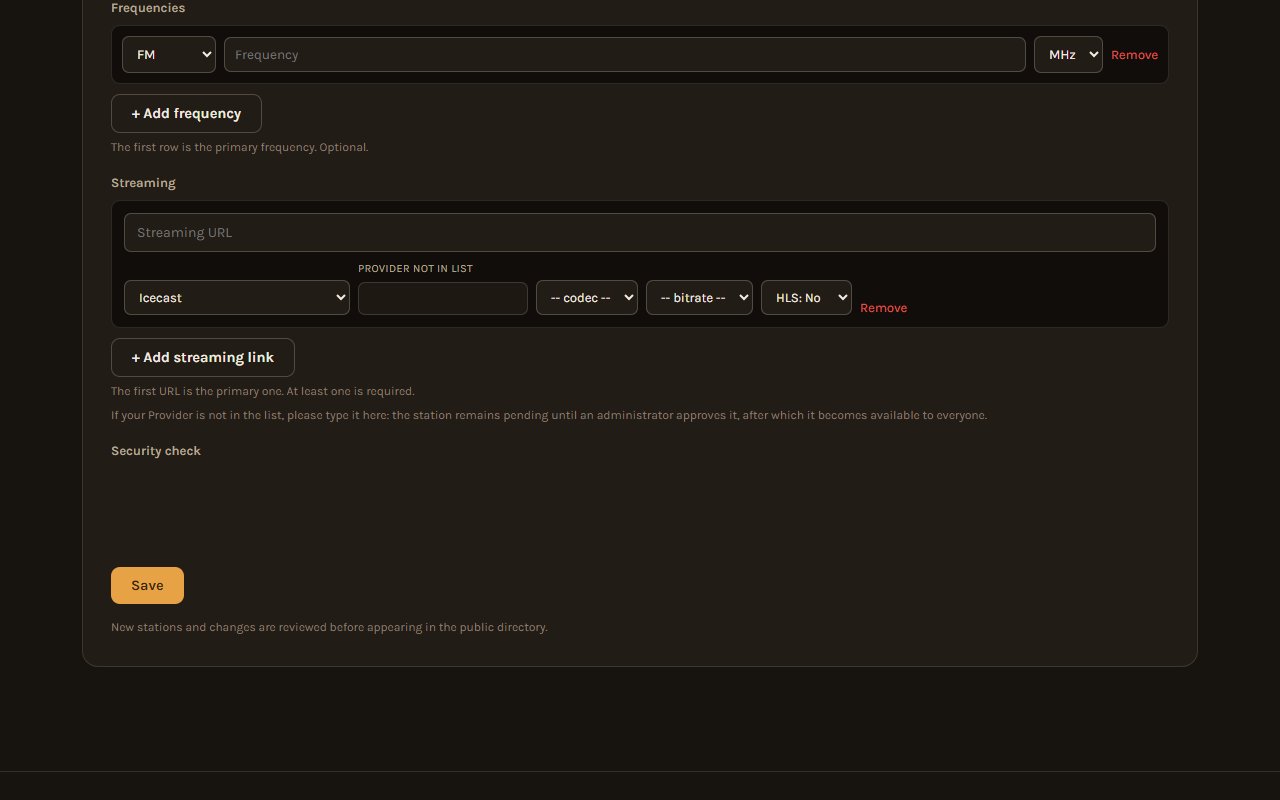
If something cannot be accepted, the form tells you which field to fix.
What happens next
The team reviews your station and you receive an email when it is approved. Then it appears in the directory, searchable by name, genre and country, with its own page, a Listen button and your logo.
You can edit your station at any time from My Stations in the Dashboard menu; changes are reviewed before they go live.
Need more help?
The full user guide explains every option in detail: search, the player, managing and claiming stations, and more. You will be asked to sign in to read it.
Questions? Write to us through the Contact form.